
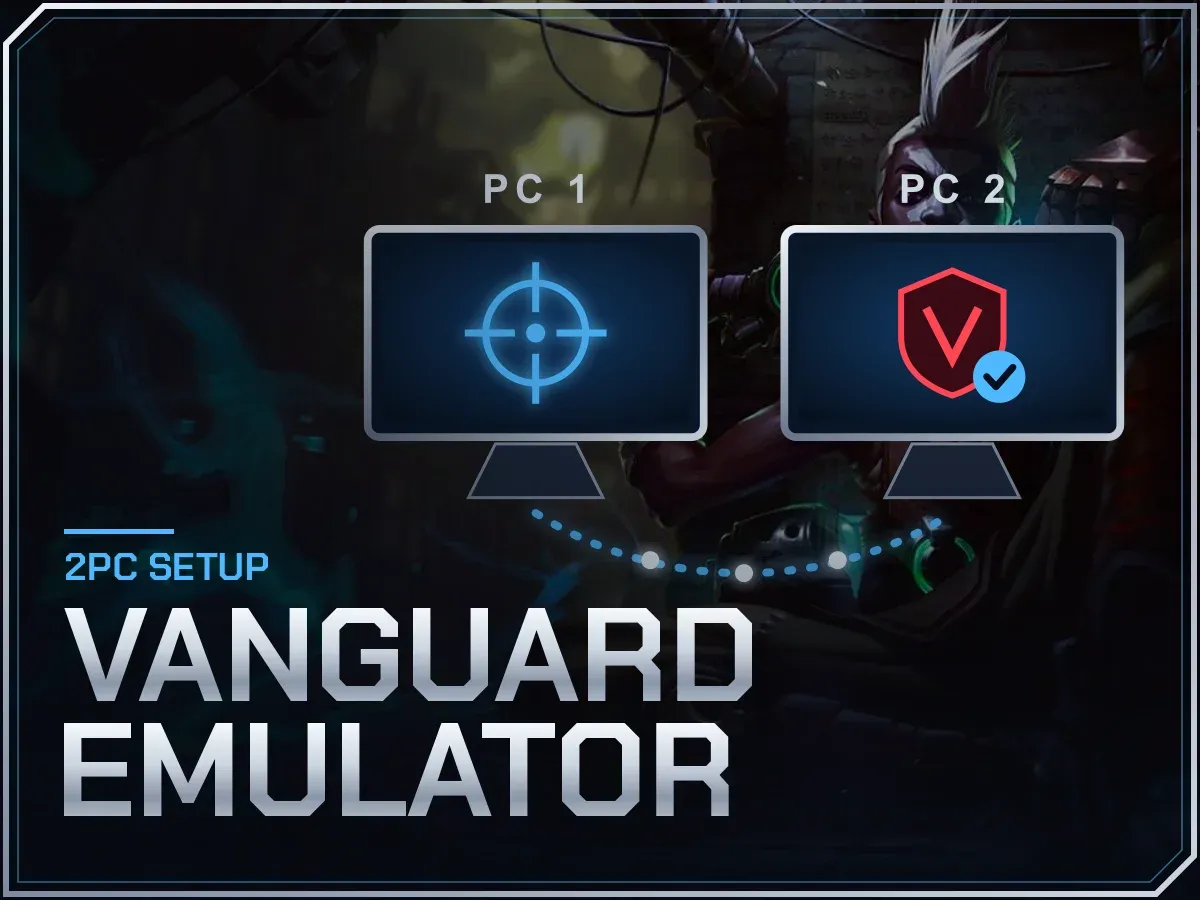
Vanguard Emulator
2PC setup · Required for Hanbot · Helps after HWID bans
Hanbot LoL Script does not run without the Vanguard Emulator. In a 2PC setup your main PC plays League while the emulator injects from a second PC, which keeps the script off the machine Vanguard is watching. Leave the emulator out and Hanbot will get you banned. The same Vanguard emulator works with BGX, Lyn, RTX and similar 2PC tools, and it is built to help you back into the game after a Van 152 or similar HWID ban.

Vanguard Emulator Keys
Card, crypto or your balance. The key is emailed the moment the payment clears.
7 DAY KEY
30 DAY KEY
LIFETIME KEY
Vanguard Emulator Features
Automatic Injector
Waits for League to start, then injects with no clicks.
Anti-Screenshot Layer
Built to stay out of Vanguard's view, with screen-capture protection on top.
Fast 2PC Setup
The link between both PCs takes seconds to get running.
Works With Many Loaders
Pairs with Hanbot, Lyn, RTX, BGX, LS and other 2PC tools.
HWID Ban Fix
Hit with Van 152 or a similar hardware ban? It is built to help you past it.
Any Windows PC
Desktop or laptop, on Windows 10 or 11.
Players on Vanguard Emulator
From the #reviews channel on our Discord, in the players' own words.
I've been using the 2PC Emulator together with Hanbot for League of Legends, and the experience has been outstanding… Updates are frequent, support is helpful, and the developers clearly put a lot of effort into maintaining and improving the product. 10/10 – Worth every penny!
How Vanguard Emulator Works
The Vanguard Emulator makes a 2PC setup possible. Your main PC runs League as usual. The second PC runs the emulator, which handles the injection, so the script never sits on the machine Vanguard is watching. It is the required partner for Hanbot LoL Script.
Setup is quick: link the two PCs, start League on the main one, and the automatic injector waits for the game and loads the script without a click. An anti-screenshot layer adds screen-capture protection on top. Besides Hanbot, the emulator works with other 2PC loaders such as Lyn, RTX, BGX and LS.
It is also the tool to look at after a hardware ban in League. If your PC was hit with Van 152 or a similar HWID ban, the emulator setup is built to help you back into games, though no tool can promise that for every case.
Vanguard Emulator In Action
Vanguard Emulator FAQ
What is a 2PC setup?
Two computers working together: one plays the game, the other runs the tools. It keeps the script away from the PC that Vanguard monitors. The glossary has more terms like this.
Do I need it for Hanbot?
Yes. Hanbot is designed around the emulator, and running Hanbot without it gets accounts banned.
Can it help after a Van 152 ban?
It is built to help with Van 152 and similar League hardware bans. No tool can promise the outcome for every case, so check the status page and ask support first if you are unsure.
Which loaders does it work with?
Hanbot, Lyn, RTX, BGX, LS and similar 2PC tools.
What kind of second PC do I need?
Any desktop or laptop running Windows 10 or 11.
Does the emulator make bans impossible?
No. It moves the injection to a second PC so the script is not on the machine Vanguard watches, which is why it helps after hardware bans, but an account can still be banned for what it does. Read bans and risk before you buy.